


One Click VideosBY JEMSU
Meet Ava.
Imagine It.
Ava Makes It.
Your AI video assistant. Turn a conversation into short videos made for your business.
No editing experience needed.
Made with One Click Videos
Small screen.
Big possibilities.
Products. People. A whole new perspective.
Bring your business into the feed.
One click.
Or a conversation.
Paste a website, product or service URL and generate a video with one click. Or talk or type to Ava—your AI video assistant—to turn a conversation into a finished video.
Give Ava your link. One Click Videos turns it into a short video for your business.
Describe your idea. Ava helps shape the script, scenes and sound, then brings your video to life.
One Click Publish
One video.
Nine networks.
One click.
Take your video from finished to published across your connected social accounts—with one click.
- Connect your social accounts.
- Choose the networks you want.
- Publish your video to all of them in one click.
- YouTube
- TikTok
- X
- Snapchat
- Bluesky
Example Videos * Made with One Click Videos by JEMSU.ai
Your face.
Your voice.
Any scene.
Create your digital twin once. Then ask Ava to put your likeness and voice into new videos, stories and situations—without filming yourself every time.
Upload your images once with the built-in uploader.
Record 45 seconds once, then reuse your voice for each new idea.
Character Swap
Same moves.
New character.
Find a video. Choose your character. Let Ava bring a whole new personality to the scene.
Paste a video link or ask Character Swap to search for one. Upload a character image—or design one with the built-in image tools—then swap it into the video.
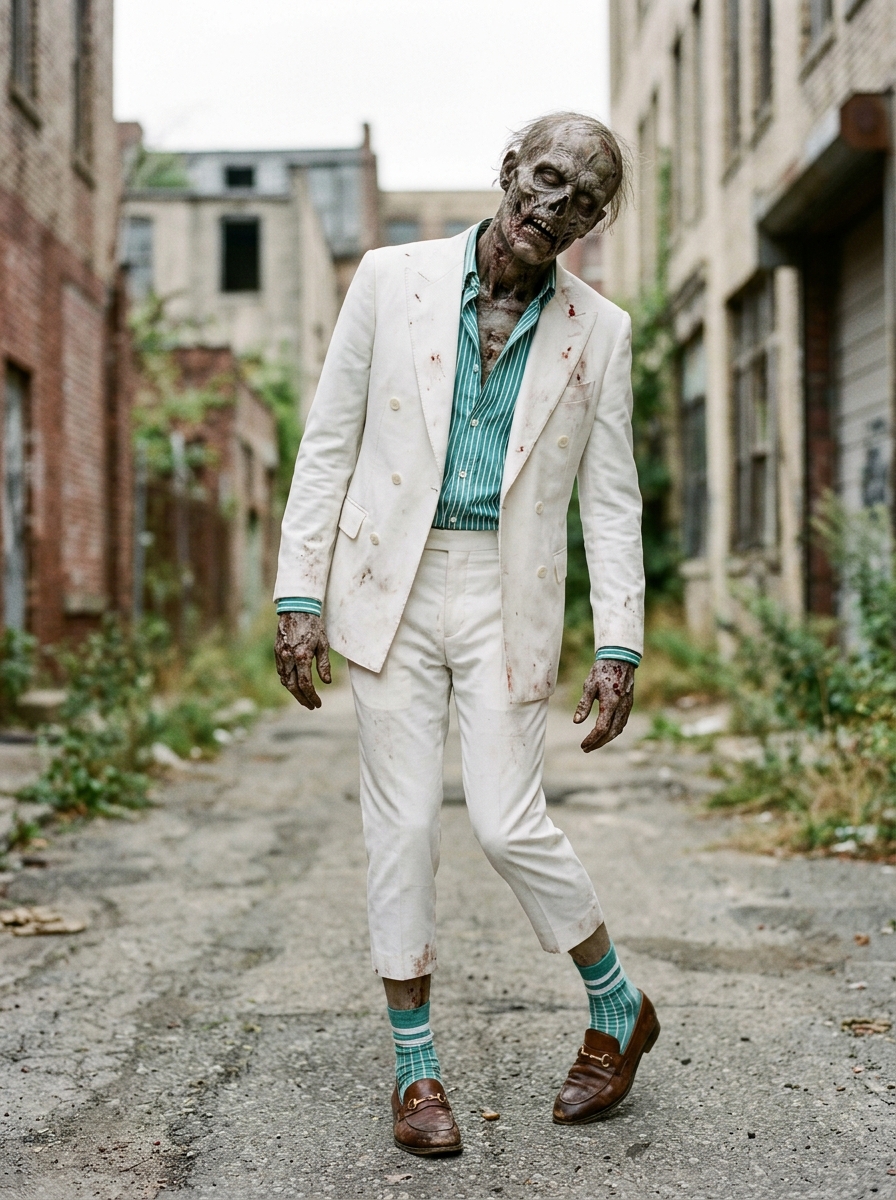
From a dance clip and one character image to a whole new performance.
A little more you.
In every frame.
Bring your products, your people, and your personality. Choose a style, shape the setting, and give your video a voice that feels like your brand.
Use your photo and a saved voice sample to appear in your videos.
Reuse your brand assets and favorite styles for the next idea.
Example videos · Made with JEMSU
A new way to make an impression.
Simple to start. Room to explore.
Your imagination.
All the right tools.
Keep it simple, or shape the details. You decide how hands-on to be.
Find your style.
Start with a preset or define your own creative direction. Give each video a look that fits the story.
Set the scene.
Use real product photos and create the environment around them. A studio. A landscape. Somewhere unexpected.
Make words matter.
Add captions, emphasize key words, or work text into the scene. Keep your message easy to follow.
Sound like yourself.
Choose a voice, design one, or use your own. Shape the script with Ava and set the mood with music.
Keep the good ideas.
Ava remembers your business and preferences. Build on your assets and creative direction as you go.
Tell a complete story.
Connect multiple scenes into one short video. Bring the visuals, narration, and music together.
Autonomous Ads
One URL.
Fresh ads, on repeat.
Turn your website, product or idea into an ongoing stream of AI video ads. Set your direction, then keep creating, publishing and learning.
Your brand. Every ad.
Reuse characters, products and visual styles. Creative memory helps each new concept build on what came before.
Your rules. Your rhythm.
Set the schedule. Publish automatically, approve first or download the videos for your own workflow.
A new creative cycle.
Every time.
-
Create.
Fresh concepts. Complete video ads.
-
Publish.
Share across nine social platforms.
-
Learn.
Available audience data informs the next ad.
Example videos · Made with JEMSU
Every idea has a story.
Create a Series
Live now
One idea.
A whole series.
Create an Autonomous Series with Ava. Generate and publish episodes automatically, with persistent characters, environments and objects.
Your world. Every episode.
Create trailers and choose episode length. Keep familiar characters, places and objects across your story.
Your pace. Your control.
Choose a fixed schedule or dynamic publishing driven by FanFuel. Set your episode price and earn the difference after credit cost.
Live now. Public or private. Free access, FanFuel or paid private subscriptions.
begins.
grows.
comes next?
Create. Grow an audience. Earn.
A series with a story.
And earning potential.
Set your Autonomous Series episode price. Let FanFuel donations fund the next release. The difference between your episode price and the credit cost is creator profit, paid out to you.
Prefer a private community? Set your subscription price and receive 90% after the 10% platform and processing fee.
Illustrative episode example
You set the price.
You keep the difference.
Example only. Choose your own price and use the actual credit cost for your episode.
Fans help shape what’s next.
FanControl brings top or most-liked comments into episode instructions when applicable. Add real-time web search for fresh, real-world context.
A bigger canvas. Movies.
Explore future movie earning potential. Movie creation and monetization are coming soon, along with sponsorships, polls and donation steering for series.
Earn from the introduction.
Explore the 20% recurring One Click Videos affiliate program, plus referral opportunities around Autonomous Series and future Movies.
Example videos · Made with JEMSU
Your next video starts with an idea.
03 / Share your story
From your idea.
To their next scroll.
Create your video. Connect your social accounts.
One Click Publish brings your story to the platforms you choose.
With a title, description, and hashtags. Ready to share.
What is Ava?
Ava is the AI video assistant inside One Click Videos. Chat or talk with her to develop an idea, write a script, plan scenes, and create your video.
Do I need a website or editing experience?
No. You can start with an idea or your own images. If you have a product or service page, its URL gives Ava a useful starting point.
Can I use my own photos and voice?
Yes. Bring your product photos, people, and brand assets. Record a voice sample to use your own voice in your videos.
Where can I share my videos?
Publish to your connected YouTube, Instagram, TikTok, Facebook, LinkedIn, X, Snapchat, Pinterest, and Bluesky accounts. You can also download the video and share it yourself.
How do I get started?
Start a Free Trial and start with Ava. Visit pricing for the current free offer, monthly plans, and credit allowances.
Example videos · Made with JEMSU
Made with One Click Videos.
One Click Videos · The complete AI video studio
All-in-One.
Built in.
Video. Images. Music. Voices. From your first idea to your next post, the creative tools are already here.
And Ava brings it all together. Talk in Conversation Mode or type in Chat Mode. Your AI Video Assistant can expand your idea, write voice scripts and manage the entire video—including models, aspect ratios and settings.
5 video models.
Built in
Grok / Imagine · Omni · WAN · Seedance · MiniMax
3 image model families.
Built in
GPT Image 2.5 · Nano Banana 2.1 & Pro · Seedream 5 Pro
Full music production.
Built in
Lyria 3.5
Background tracks and full-length songs with lyrics, in any genre.
Voice design & cloning.
Built in
ElevenLabs v4 · Gemini 3.8
Design a voice or clone your own with the built-in recorder.
Your likeness. Your voice.AI clones, digital twins & deepfakes
Create an AI clone, digital twin or deepfake with the built-in image uploader and multi-image references. Record your voice right alongside your images with the built-in voice recorder.
Uploaded images are automatically paired with your cloned voice and saved for future videos. Label images and voices so Ava can find and recognize them when you need them.
Any video. Your character.Character Swap & video editing
Paste a video link or simply mention a video and let Character Swap search the web for it. Replace its main character with an image you upload or a character you design using the built-in image models.
You can also upload and edit short videos, all within One Click Videos.
A Director for every detail.Continuity, lip sync & audio mixing
The built-in Director organizes your video and writes detailed prompts to keep characters, scenes and action consistent across segments.
It coordinates quality checks and audio mixing: lip-synced voice scripts, sound effects, ambient sound and music. Automatic audio ducking lowers background audio when someone speaks.
Polished. Then stitched.Quality checks & videos up to 5 minutes
Built-in quality checks review prompts, images and videos, automatically regenerating images or video segments that fail checks.
Automatic stitching brings segments together into videos up to 300 seconds—5 minutes. Add built-in captions, refine spoken words with the pronunciation engine, and include text and graphics. Work your logo into a scene or overlay it in any corner.
One brief. More episodes.Autonomous series, memory & web search
Set your instructions once and let autonomous videos or a whole series keep generating. Built-in memory remembers past episodes to carry the story forward.
Web search brings real-time information into new videos, and automatic publishing keeps your series moving from creation to release.
Made. And published.9 social networks, built in
Publish individual videos with one click, or automatically publish your autonomous series to your connected social accounts.
YouTube · Facebook · Instagram · TikTok · X · LinkedIn · Snapchat · Pinterest · Bluesky.
One Click Videos by JEMSU
You have the idea.
Ava’s ready.
Let’s make your first short video.